
Every client, from first contact to paid invoice.
Client Harbor brings your sales pipeline, quotes and invoices, support tickets and a client area together in one CRM. It runs on your own hosting, so your client data stays yours.
- Installs on cPanel from your browser
- English, French and Spanish
- Your server, your data
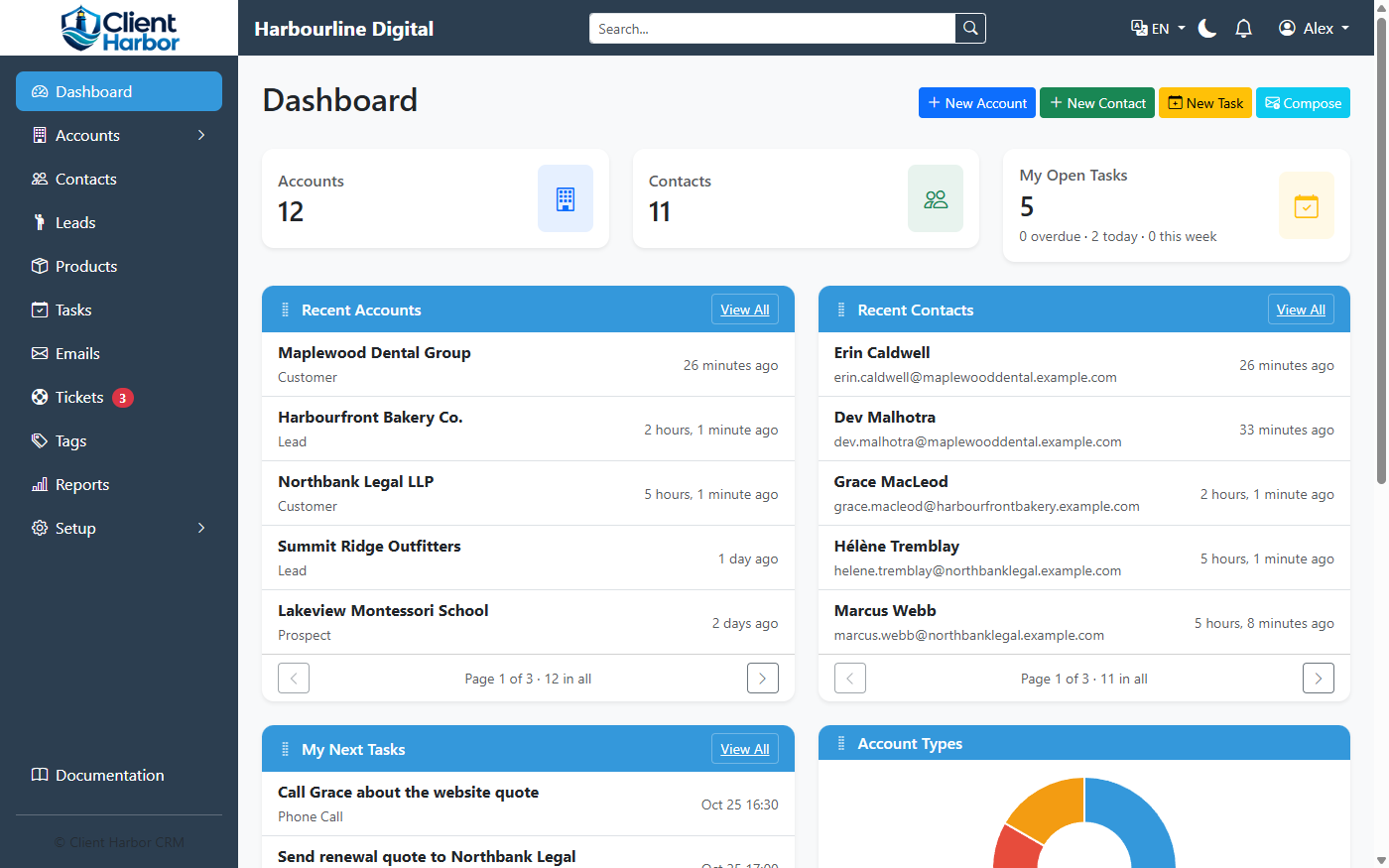
Stop juggling a CRM, a billing tool and a help desk
Everything you know about a client sits on their account: the people, the conversations, what they've bought, what they owe and what they've asked for.
Accounts & contacts
Companies and the people at them, with phone numbers, addresses, tags, custom fields and a full history.
Sales pipeline
Leads, opportunities with their products, and a clear stage for every relationship.
Quotes & invoices
PDF quotes and invoices, recurring billing, credit notes and sales taxes worked out from the client's address.
Support tickets
Emails to Sales, Billing and Support become tickets, with replies, private notes and statuses.
Client area
Clients sign in to pay invoices, accept quotes, open tickets and keep their details up to date.
Online payments
Stripe and PayPal buttons on every open invoice. Payments are recorded and receipted for you.
Your mailbox inside the CRM, templates, and email filed on the right account automatically.
Tasks & reminders
Follow-ups for you and your team, with reminders in the CRM and by email.
Know exactly where every relationship stands
Many CRMs call everyone a "lead". Client Harbor gives each account one clear stage, and keeps the history of every move between them.
Opportunities track each deal separately, so a customer can have new sales in progress without losing their stage.
Give clients a place of their own
Your clients sign in at your own address, such as clients.yourcompany.com, to look after themselves.
- See every invoice and pay it online with Stripe or PayPal
- Review, accept or decline quotes
- Check the products and services they have, with renewal dates
- Open support tickets and follow the replies
- Keep their company details current, and give colleagues access
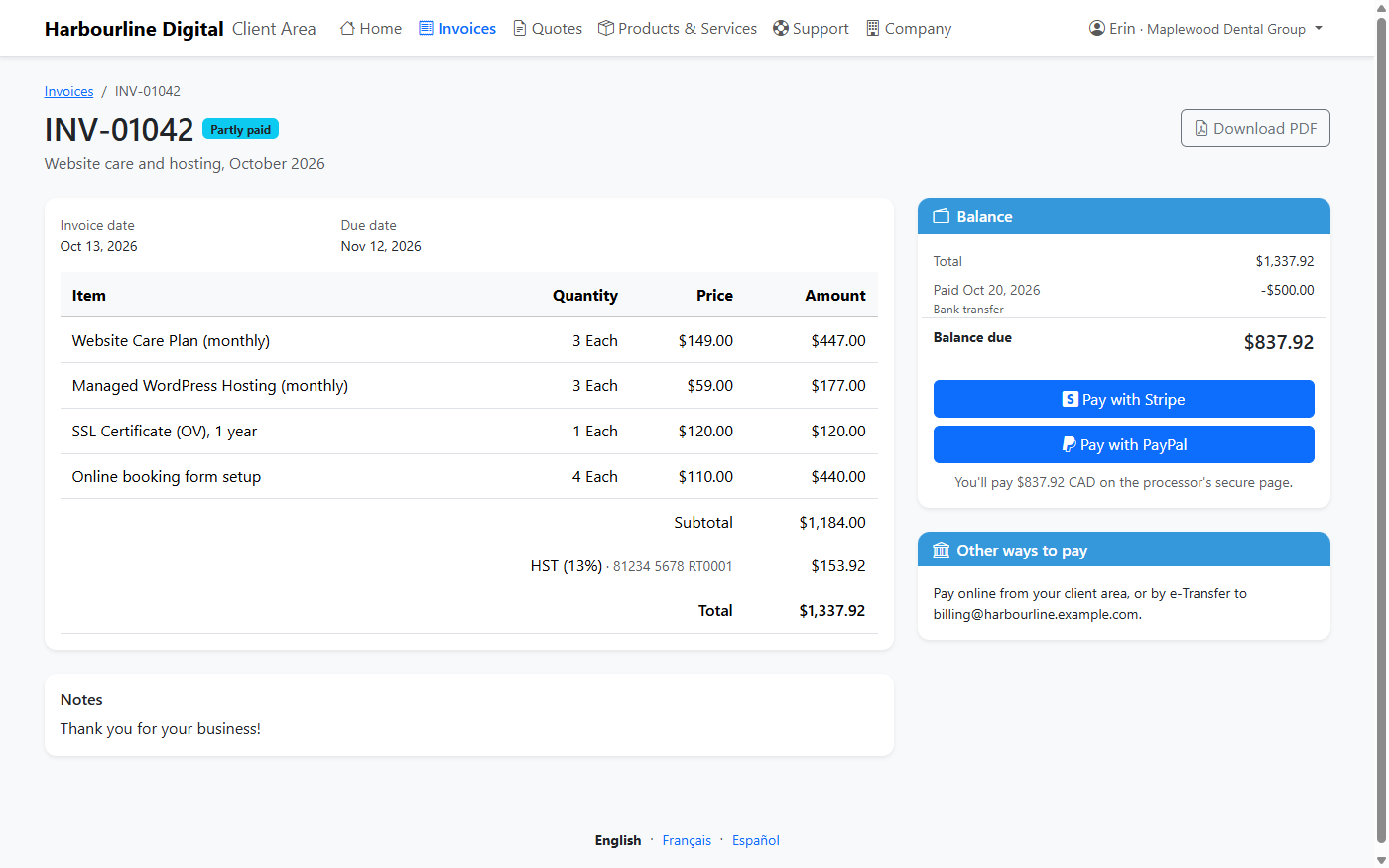
Quote it, invoice it, get paid
Turn an opportunity into a quote, a quote into an invoice, and let recurring invoices bill your regular clients on schedule.
- Branded PDF quotes and invoices, emailed from the CRM
- Sales taxes chosen from the client's province or state and country
- Credit notes, partial payments and balances
- Tax collected and filed, period by period, ready for your returns
- Revenue reports by day or month and by product category
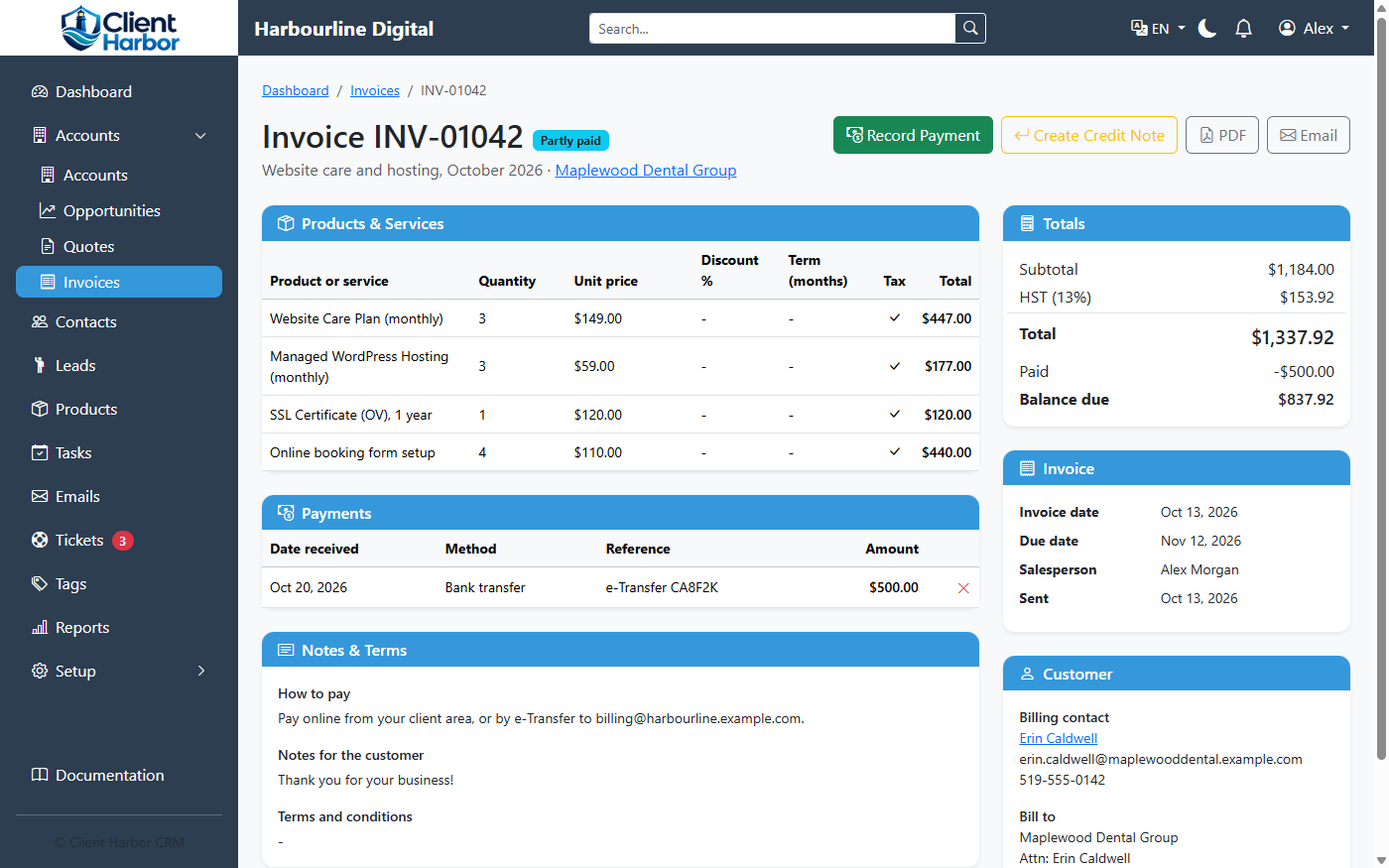
Your server. Your data.
Client Harbor runs on hosting you control, not on someone else's cloud. Install it where you like.
One-file install
On cPanel hosting, upload one file and answer a few questions. It sets up the database, the app and the schedule for you.
Any server
Also runs on DirectAdmin, a Linux VPS or dedicated server, and Windows Server.
Secure by default
HTTPS only, roles and permissions for your team, sign-out after inactivity, and stored passwords and keys encrypted.
Bilingual and more
English, French and Spanish, chosen by each user, with consent tracking for marketing email.
Up and running in about ten minutes
Want to see it first?
We're happy to walk you through Client Harbor and talk about what your business needs.