
Everything your client relationships need
Sales, billing, support and a client area, sharing one record of each client. Here's what's inside.
The whole story on one page
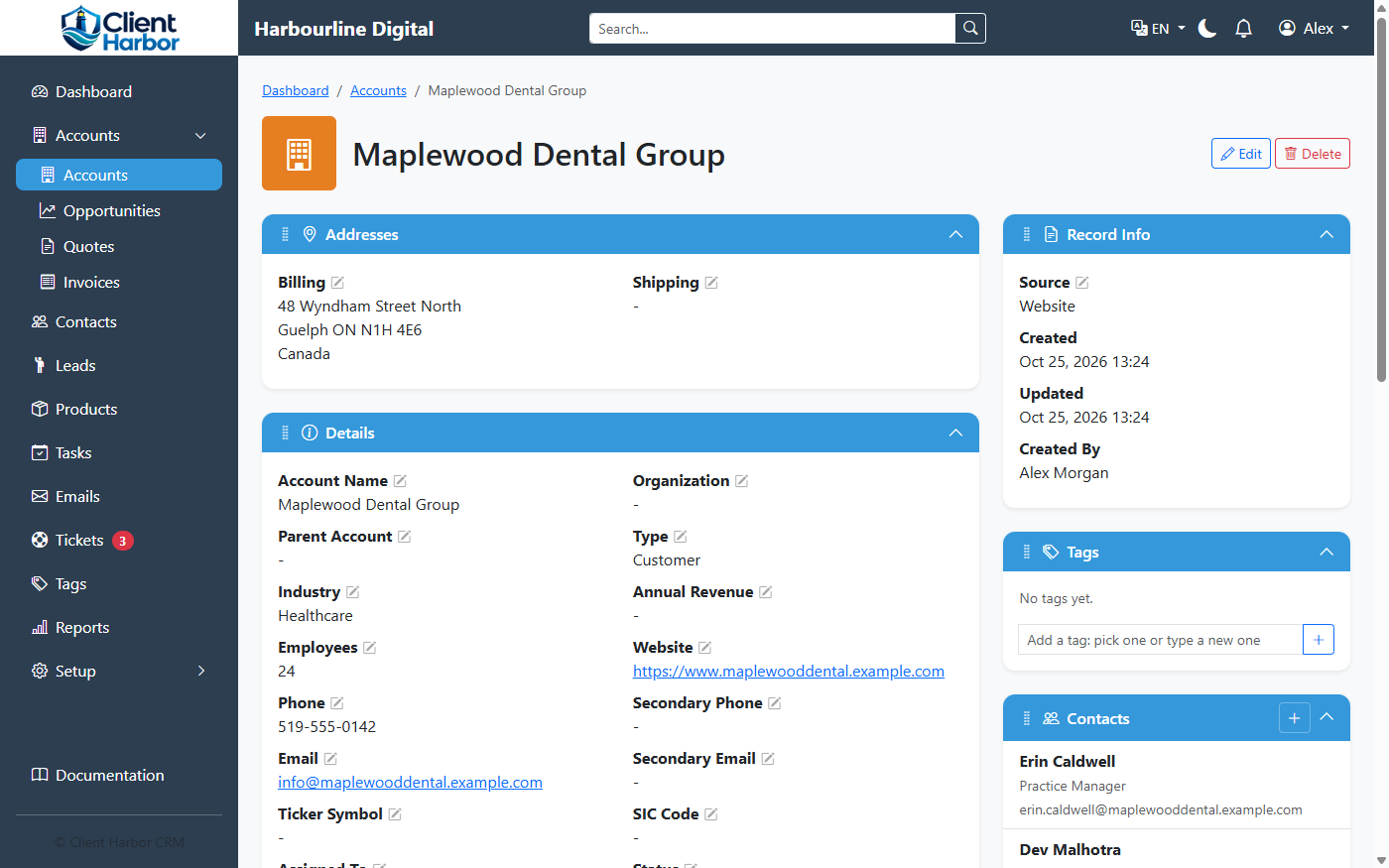
Each account brings together its people, emails, tasks, opportunities, quotes, invoices, tickets and history.
- Several phone numbers, emails and addresses per company and person
- A relationship stage for every account (Suspect, Prospect, Lead, Customer) and a status such as Nurturing or Do Not Contact
- Tags and custom fields for whatever else you track
- Edit fields right on the page, and arrange each page's sections the way your team works
- A full history of changes: who changed what, and when
From first contact to closed deal
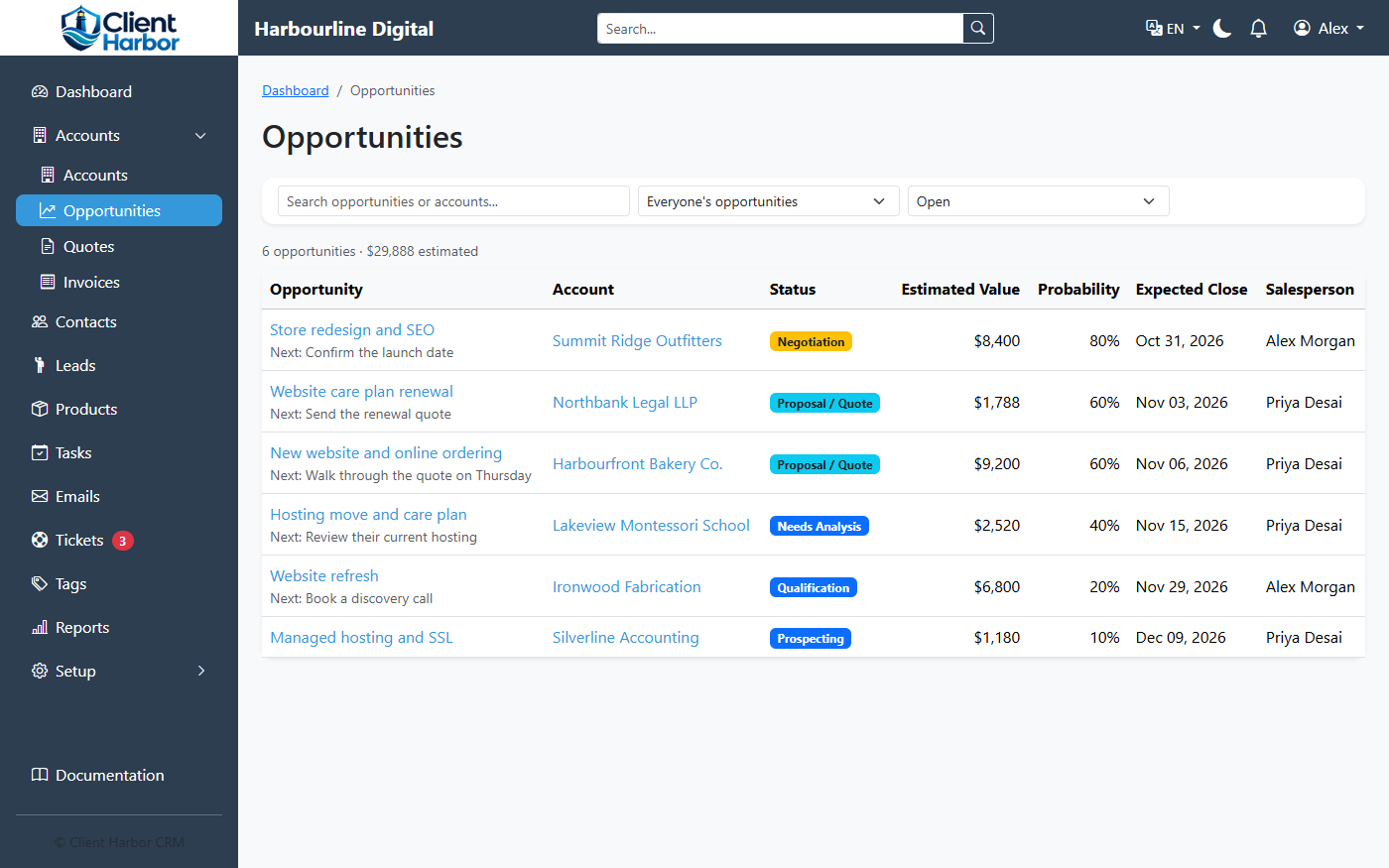
- Leads for people you're getting to know, converted to an account and contact in one step
- Opportunities with stages, values, close dates and the products in the deal
- A product catalog with prices, categories, serial numbers and warranties
- Tasks, calls and meetings logged on the record, with reminders
- A dashboard with your tasks, accounts and open opportunities
Billing built in, not bolted on
- Quotes from an opportunity's products, sent as PDFs, and accepted online by the client
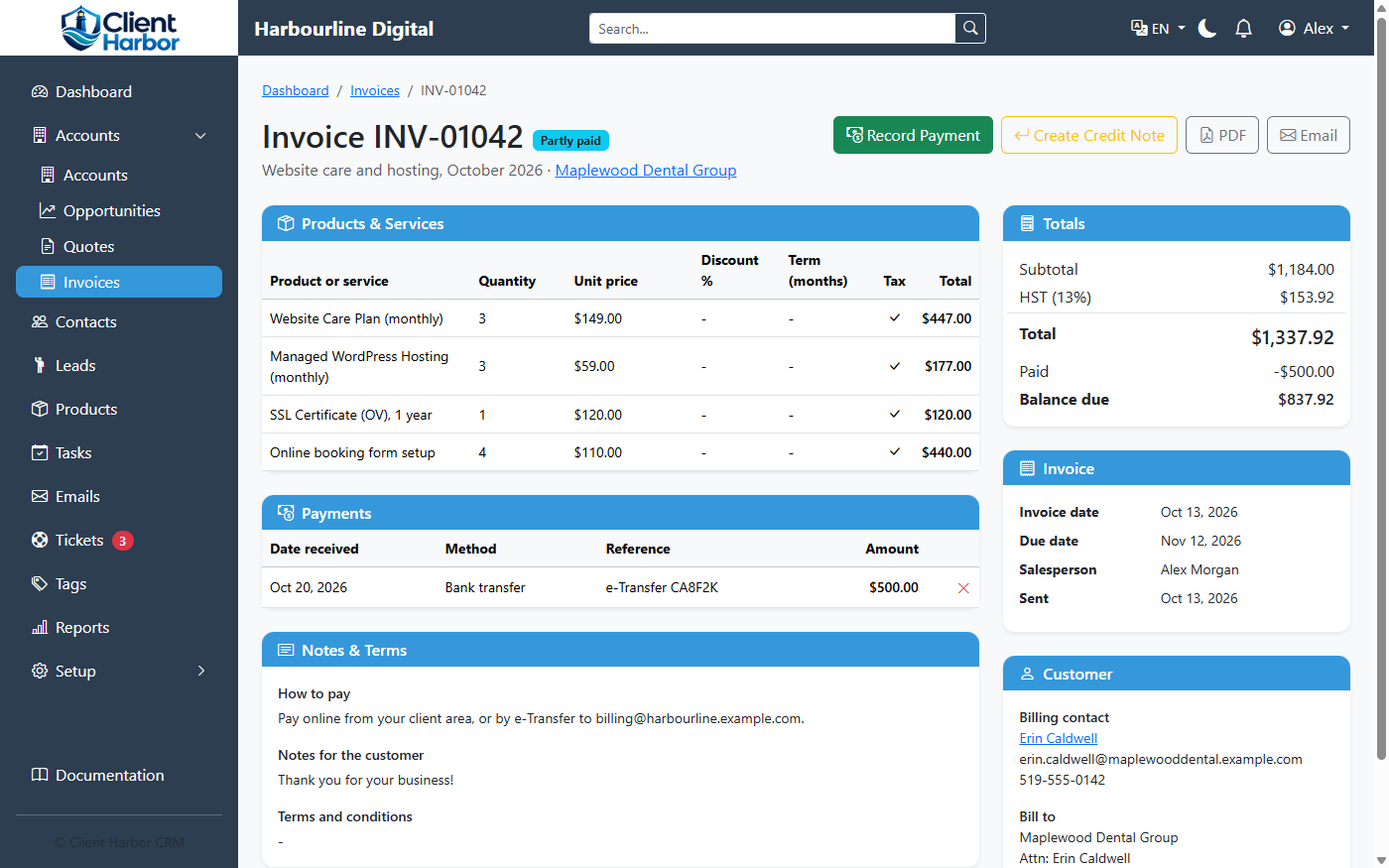
- Invoices from a quote or from scratch, with partial payments and balances
- Recurring invoices that bill regular clients on schedule
- Credit notes for refunds and corrections
- Sales taxes worked out from the client's province or state and country, with the taxes you collect set up once
- Tax collected and returns filed, period by period, exportable to CSV
- Revenue Recap and Tax Summary reports
A help desk that knows your clients
- Departments such as Sales, Billing and Support, each with its own email address and team
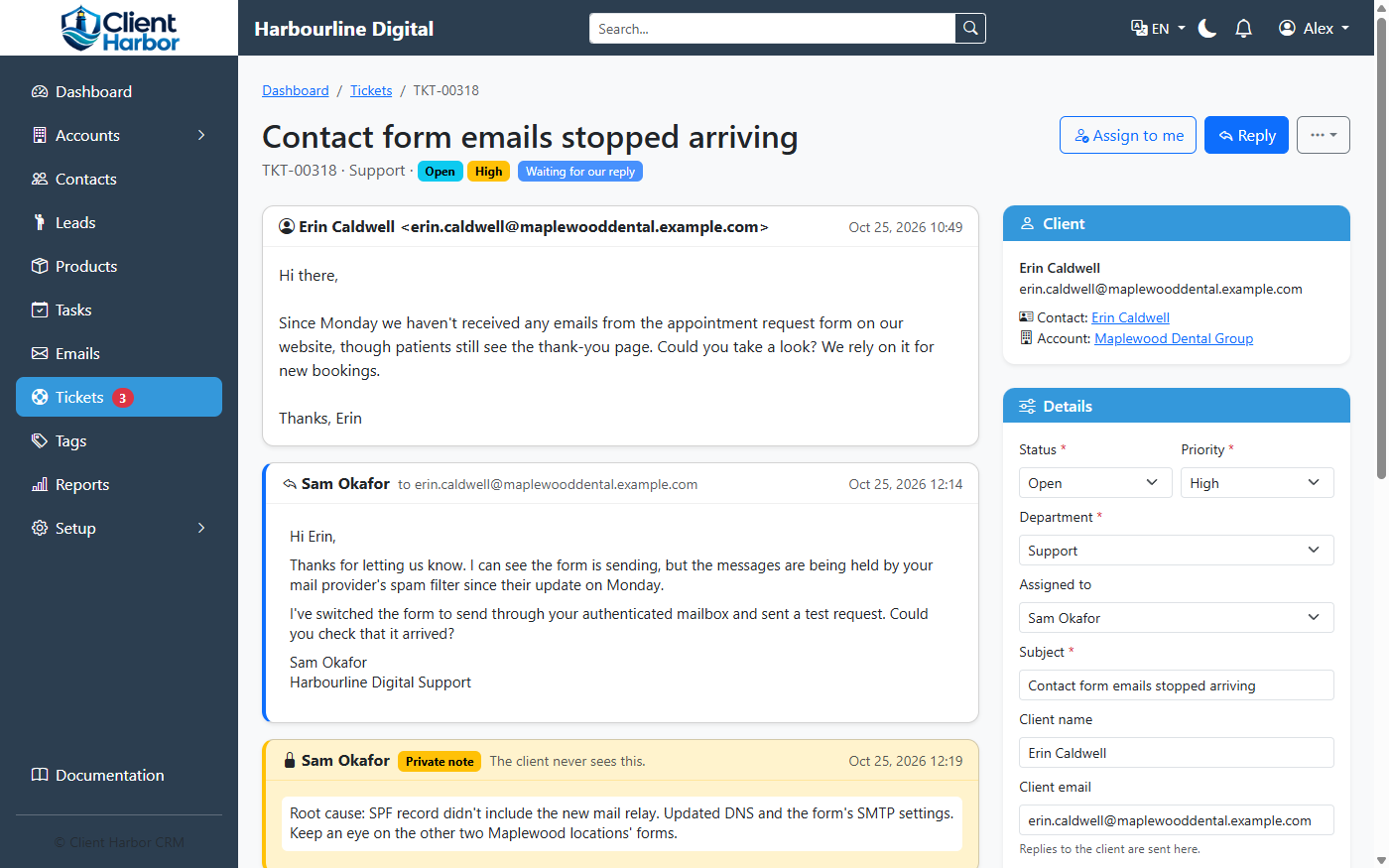
- Emails become tickets, filed on the client's account automatically
- Replies sent by email from the CRM, and private notes only your team sees
- Statuses, and tickets closed automatically once they're solved
- Clients can open tickets in the client area too
Clients help themselves
A separate website at your own address, such as clients.yourcompany.com.
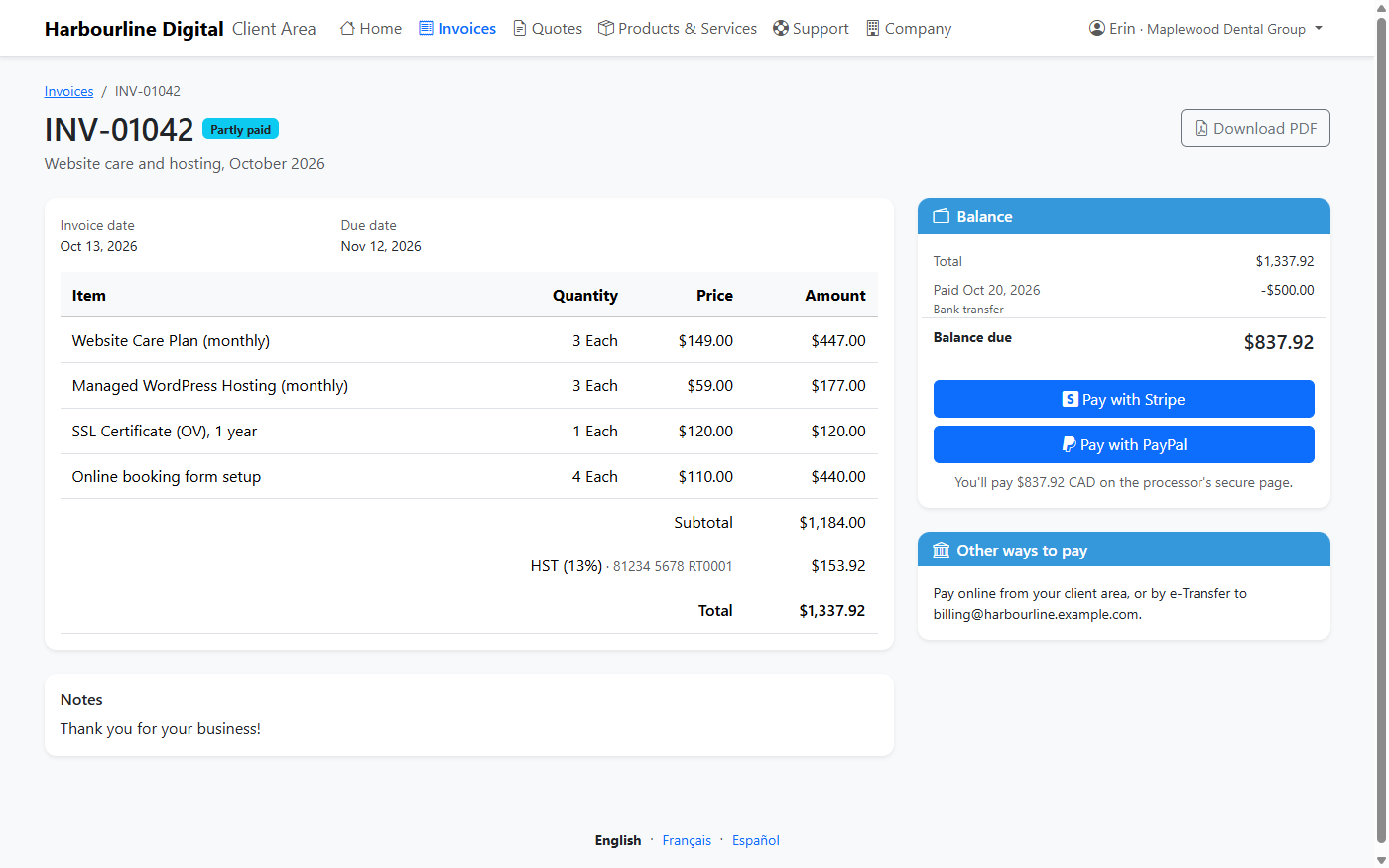
- Invoices with PDFs, paid online with Stripe or PayPal; payments are recorded and receipted automatically
- Quotes to accept or decline, with a comment
- Their products and services, with the next billing date of each
- Support tickets, with attachments
- Company details and their own details, kept up to date by them
- The main contact decides which colleagues can sign in, and what each can use
The tools a small team actually uses
Your mailbox inside the CRM, with templates. Emails are linked to the right account, contact or lead. Send through SMTP2GO, Mailgun or any SMTP server, and receive through Mailgun.
Tasks & reminders
Tasks with due dates and owners, reminders under the bell and by email, and a list of everything you have due.
Bulk mail, with consent
A marketing permission on every lead and contact. Only those who've agreed are kept in step with Mailchimp or ActiveCampaign.
Import & export
Bring in accounts, contacts and leads from spreadsheets, matched to existing records, with saved column mappings, and undo an import if it went wrong.
Roles & permissions
Decide what each role can see and change, from their own records to their team's, their territory's or everyone's.
Make it yours
Your logo and company name, custom fields, page layouts, ticket departments and setup templates.
Three languages
English, French and Spanish. Each user picks their own language and time zone.
Light and dark
A clean interface that works on a phone, tablet or desktop, with a dark mode for late nights.
REST API
Connect your other tools to accounts, contacts, leads, emails and tasks with a token-based API.
Ready to try it?
Download Client Harbor and install it on your own hosting, or talk to us first.